
Play your first game
A bot is the easiest first opponent: it is always available and waits as long as you like.
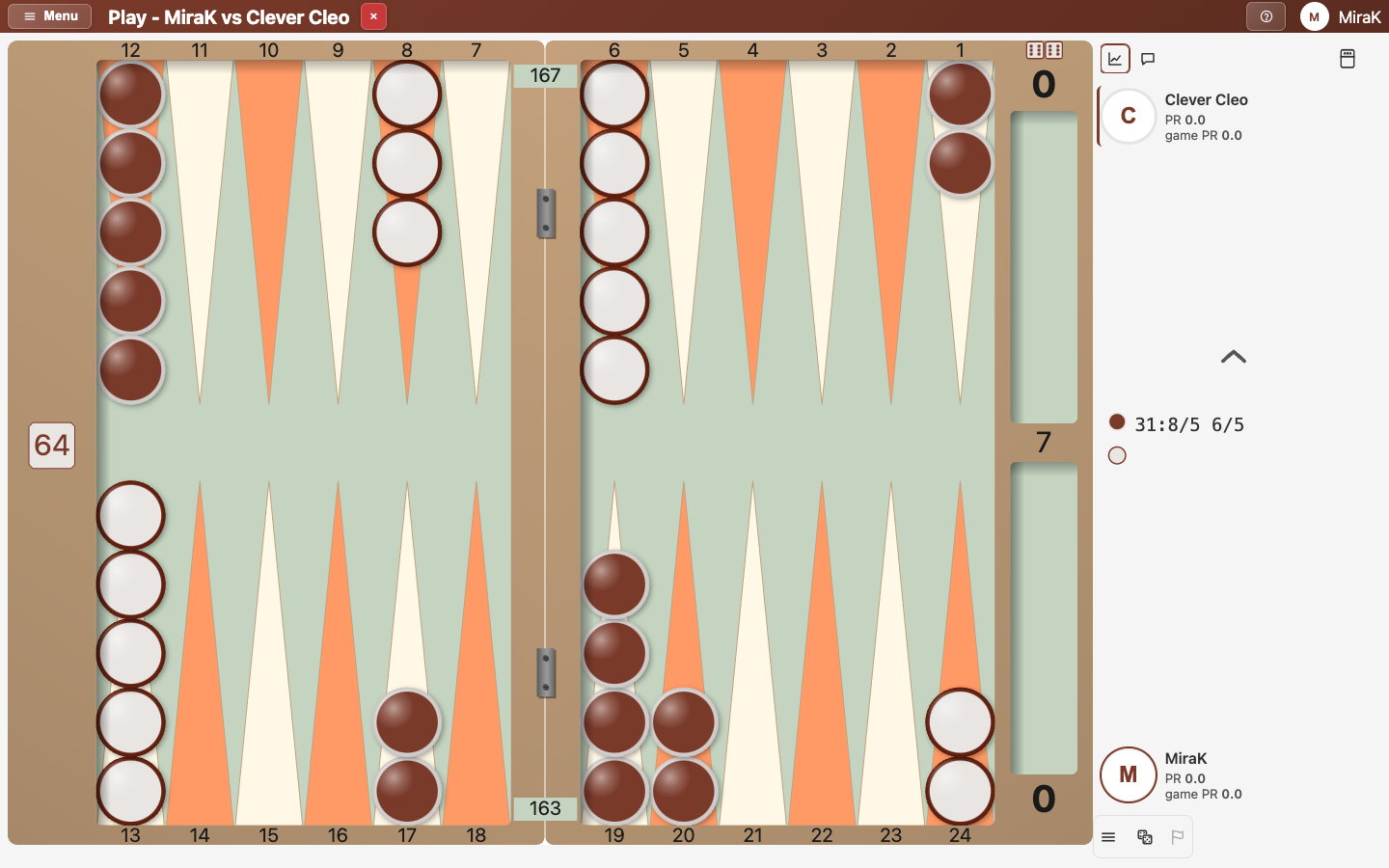
- Open Play a bot from the Lobby.
- Choose your match length. Shorter is better until you gain some experience.
- To play the bot only, open Options and untick "Also look for a human opponent".
- Start the game. Drag a checker to move it, and tap the dice to finish your move.
- Your turn will start with the option to roll or to double. Double when you have a significant advantage.
- To stop, close the game and end the match.
Full steps: Play your first game against a bot. The board and the cube in detail: Move checkers, undo, and read the board and Double, take and drop.