
Pause, reset or kill a game
Three tools change the course of a game, available to any administrator, including temporary administrators.
Pause play
Pause play on the toolbar pauses the game for everyone: you are paused, and every other player in the game waits for you to resume. The clocks stop, and bots stop too. This is useful if the group wants to take a break or if you as an administrator need to sort something out with the group. You can continue to chat or use out of app tools like video conferencing. The same button, then showing Resume play , or the Resume button on the board lets the game go on; the clocks start again from there.
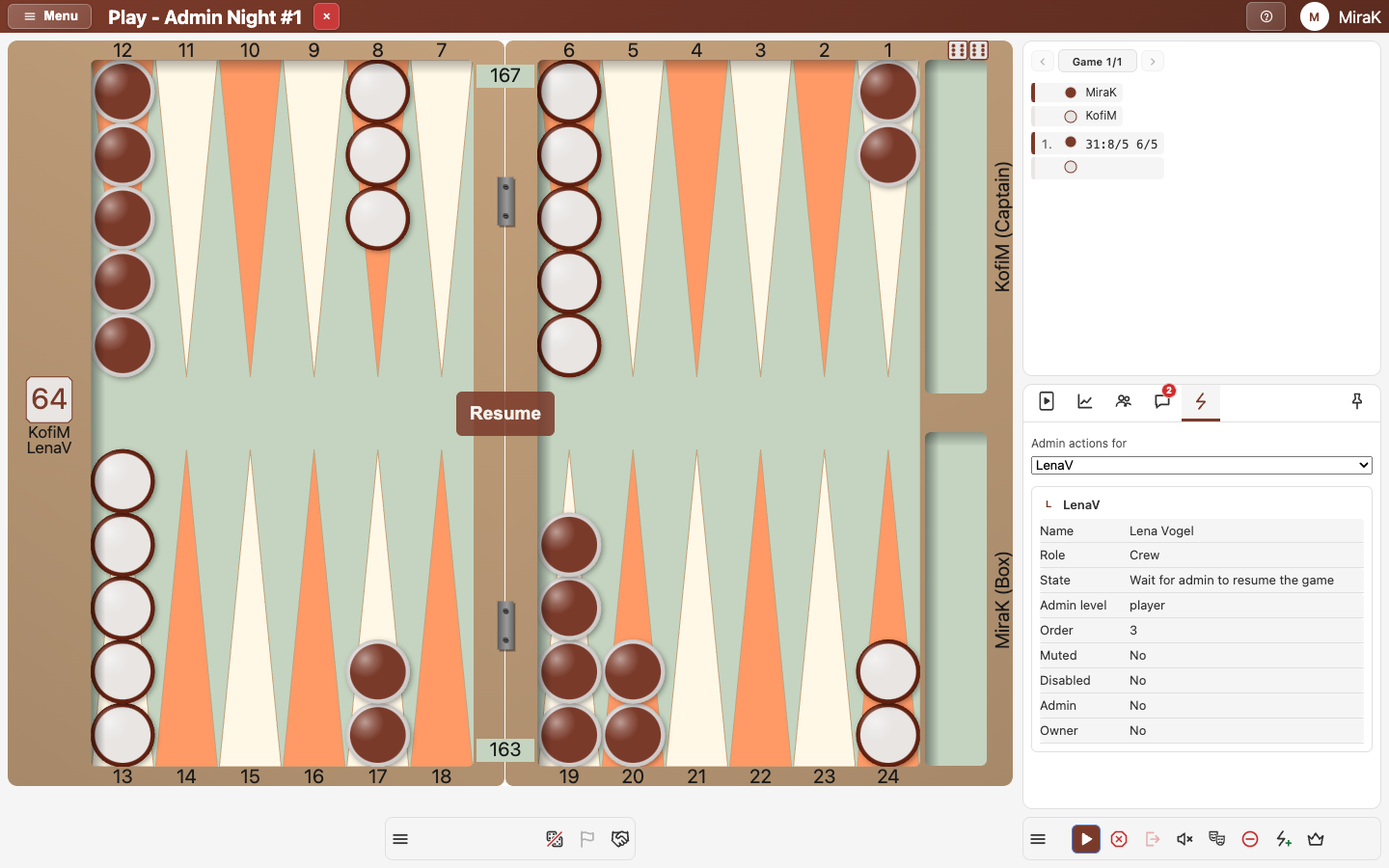
The other players see that the game waits for you:
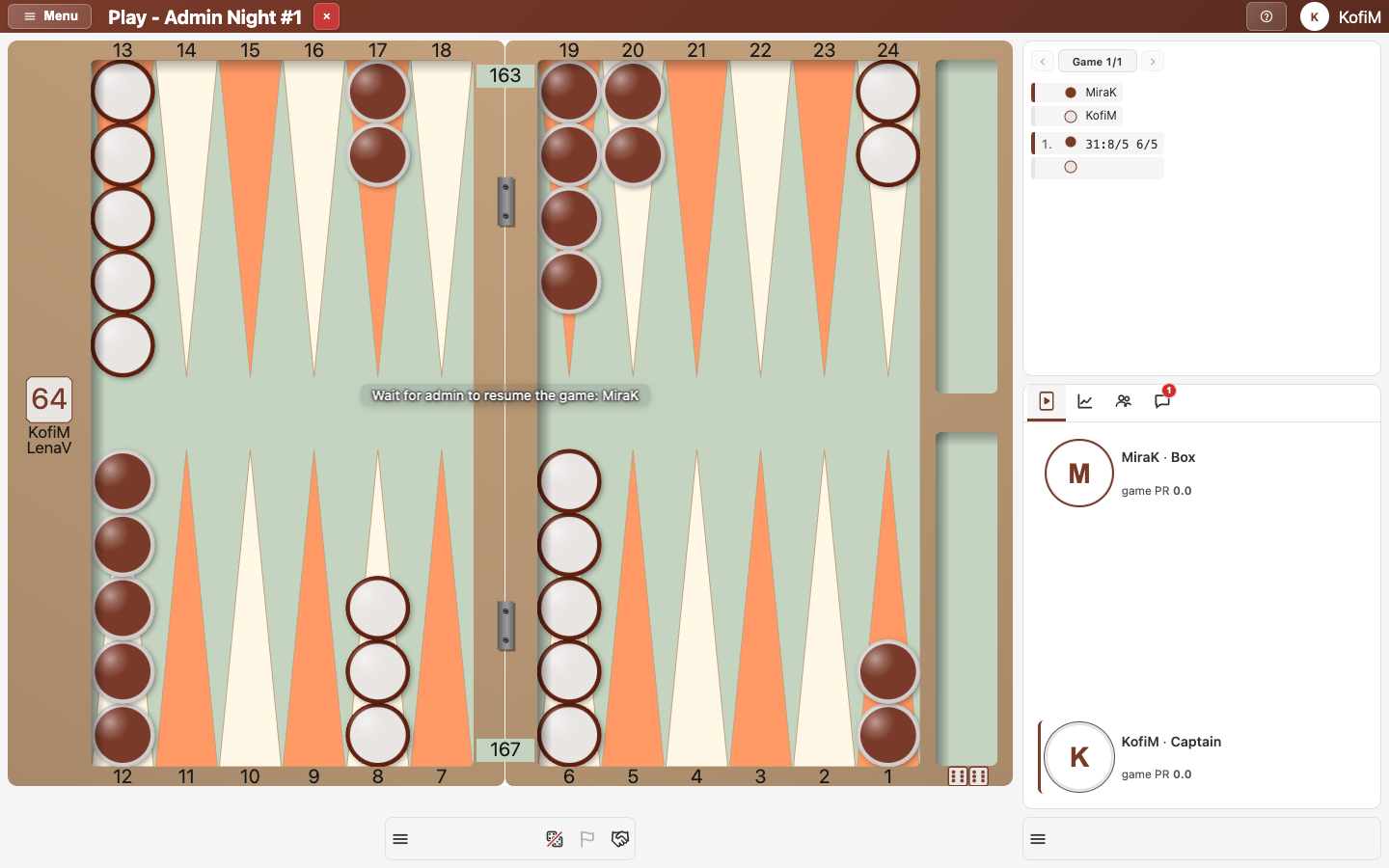
A pause does not change the game: the player on turn goes on where they were.
Reset Game
Reset Game is on the overlay between games, before the next game starts. Reset the game when a player joined after you clicked New Game, to include them in that game.
- Before the first game, after the Shuffle: it goes back to the Shuffle, and the order of play is drawn again when you shuffle.
- Between games: the order of play stays, the players who joined since the last game take their places in it, and everyone clicks Play again.
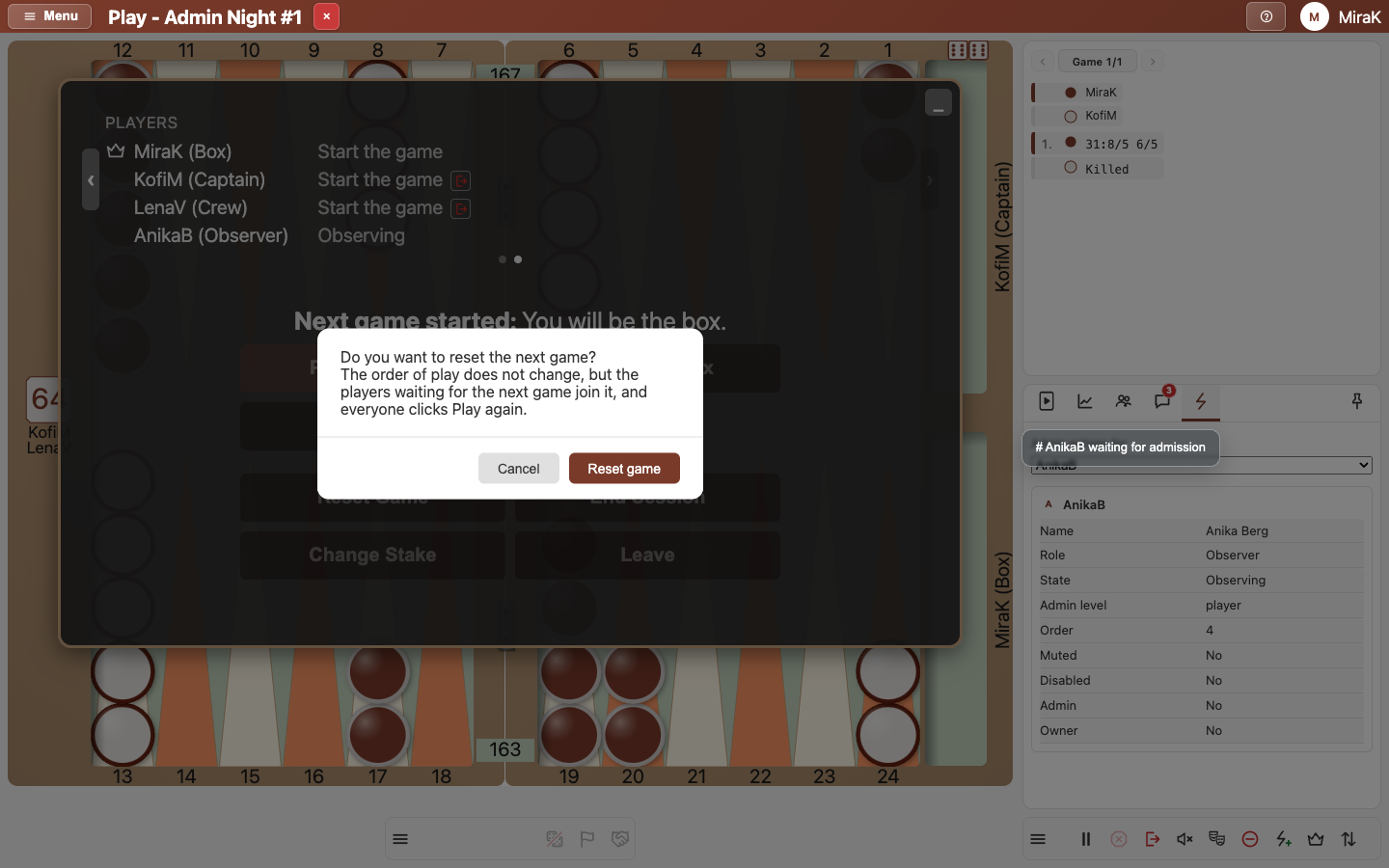
After the reset the player who joined late is in the next game:
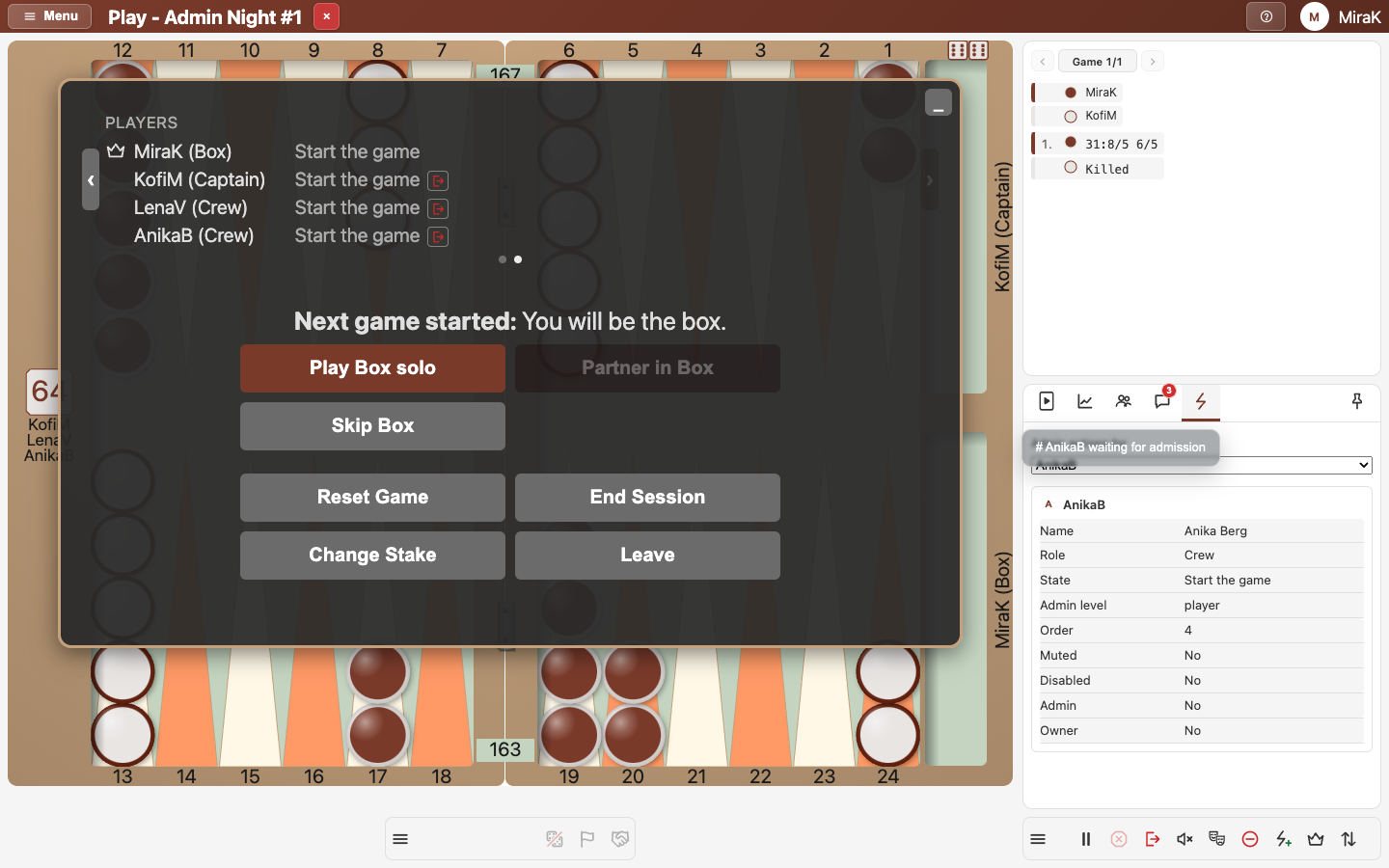
Kill game
Kill game on the toolbar ends the running game at once, for everyone, without scoring it. Use it when a game cannot go on: a player stopped responding, or something went wrong. The order of play goes back to how it was when the game started, and the next game starts from there; players waiting for the next game join it.
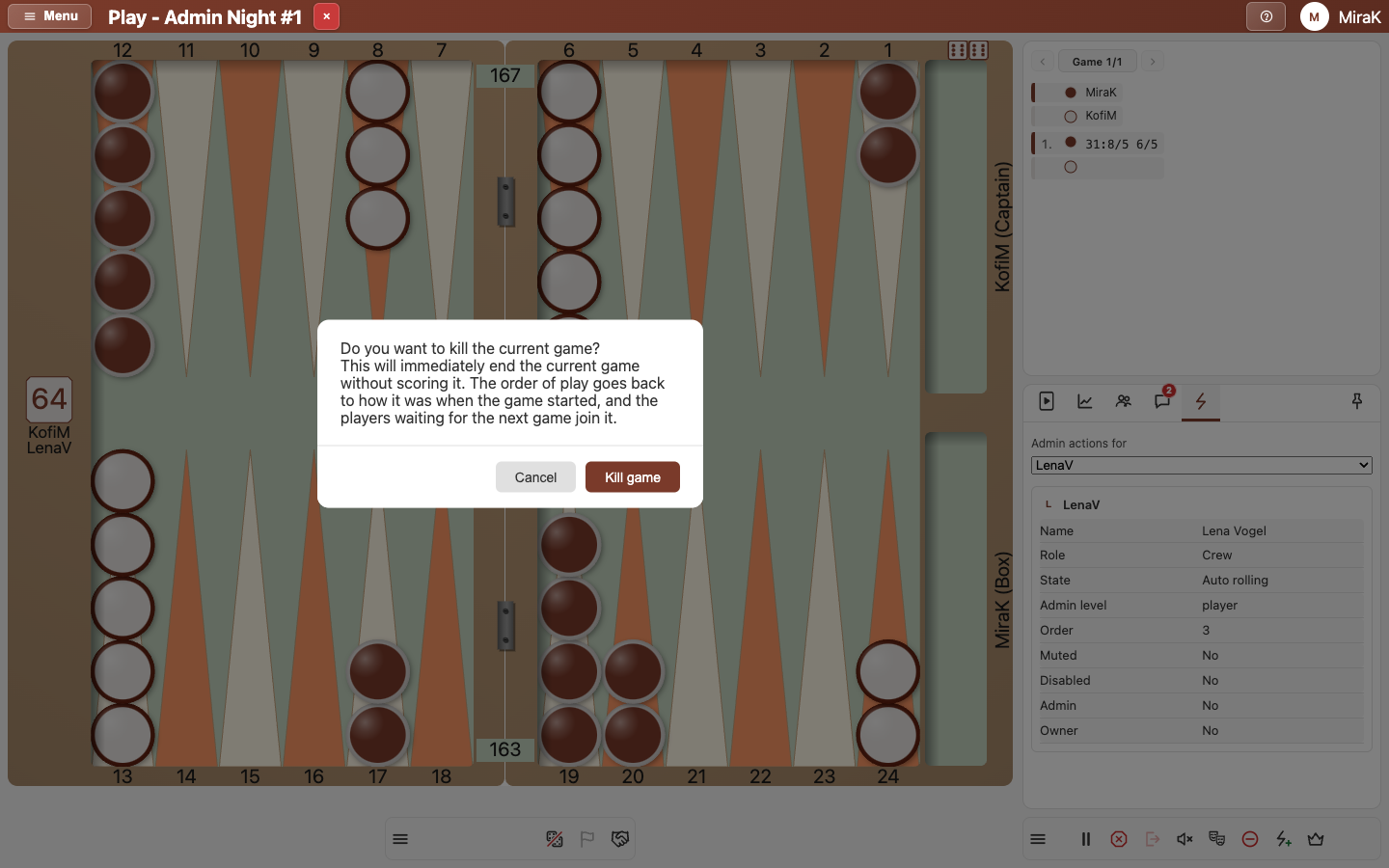
To end a game that was clearly decided, kill it and settle what it was worth by hand: see Carry on without a player.
A session cannot be ended while a game is running: kill the game first, then end the session.