
Place checkers on the board
Setup's toolbar has a tool for each colour of checkers, one that takes them off, and two that clear the board or set up the opening position. With them you build any position on the board itself.
- Open Setup from the Lobby. It starts with the opening position.
- The broom clears the board. Every checker goes off the board, ready to be placed.
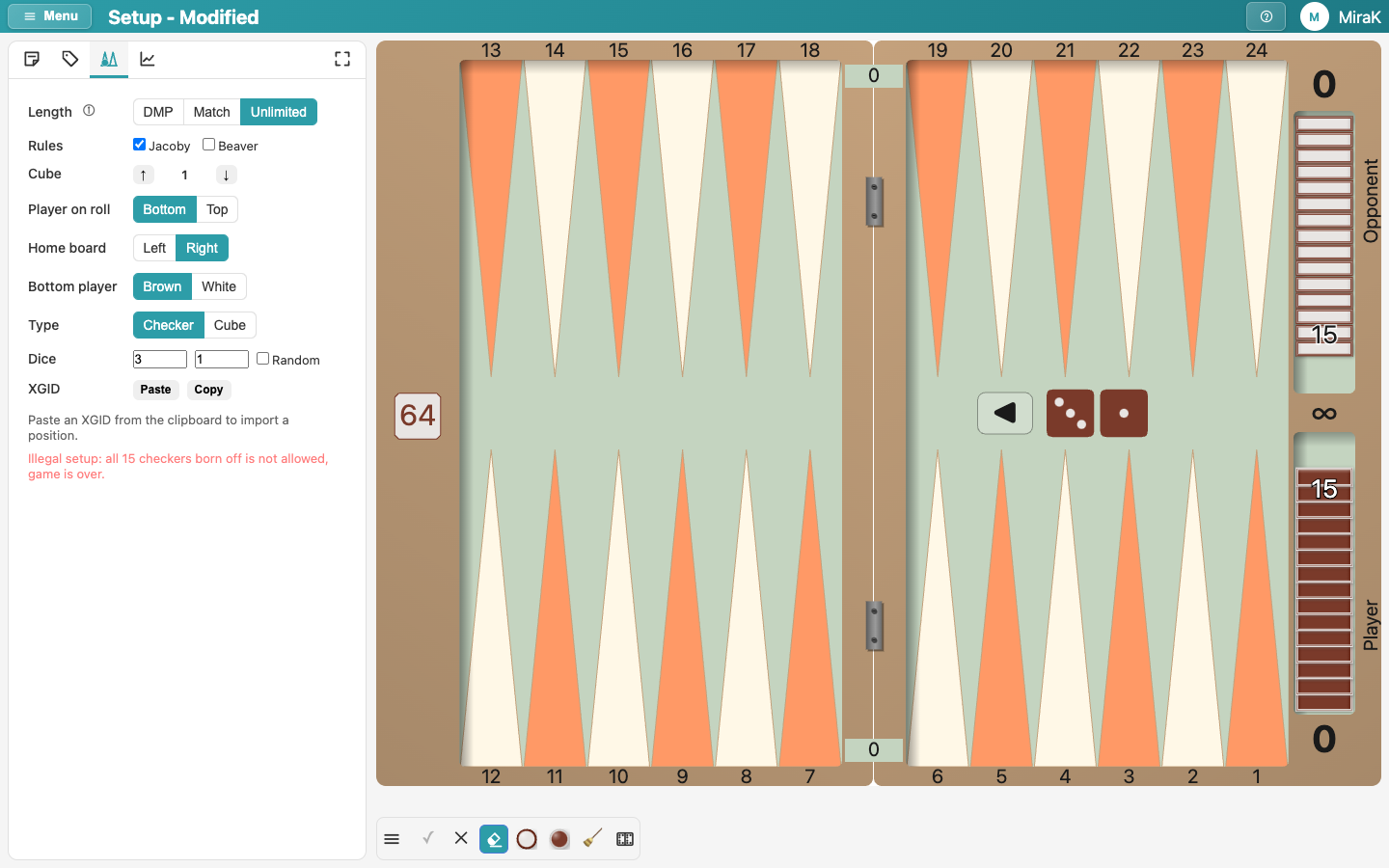
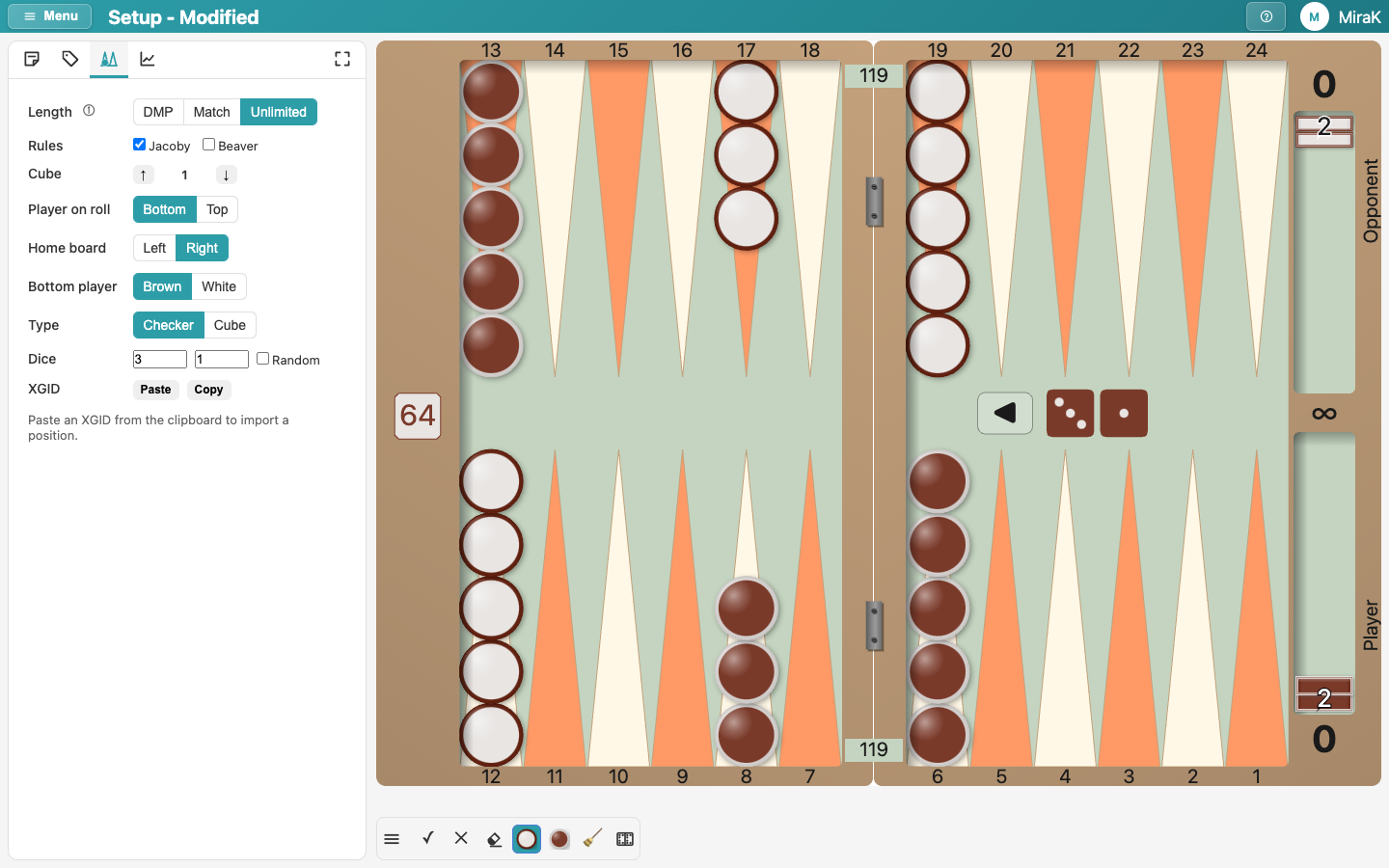
- Pick the checkers of the player at the bottom in the toolbar.
- Click a point where its fifth checker would stand, and it gets five checkers at once. Click lower for fewer.
- Three checkers on the 8-point, and five on the 13-point.
- Now the other colour, for the player at the top. Their checkers go on their side of the board in the same way: five on their 6-point, three more on their 8-point, and five on their mid-point.
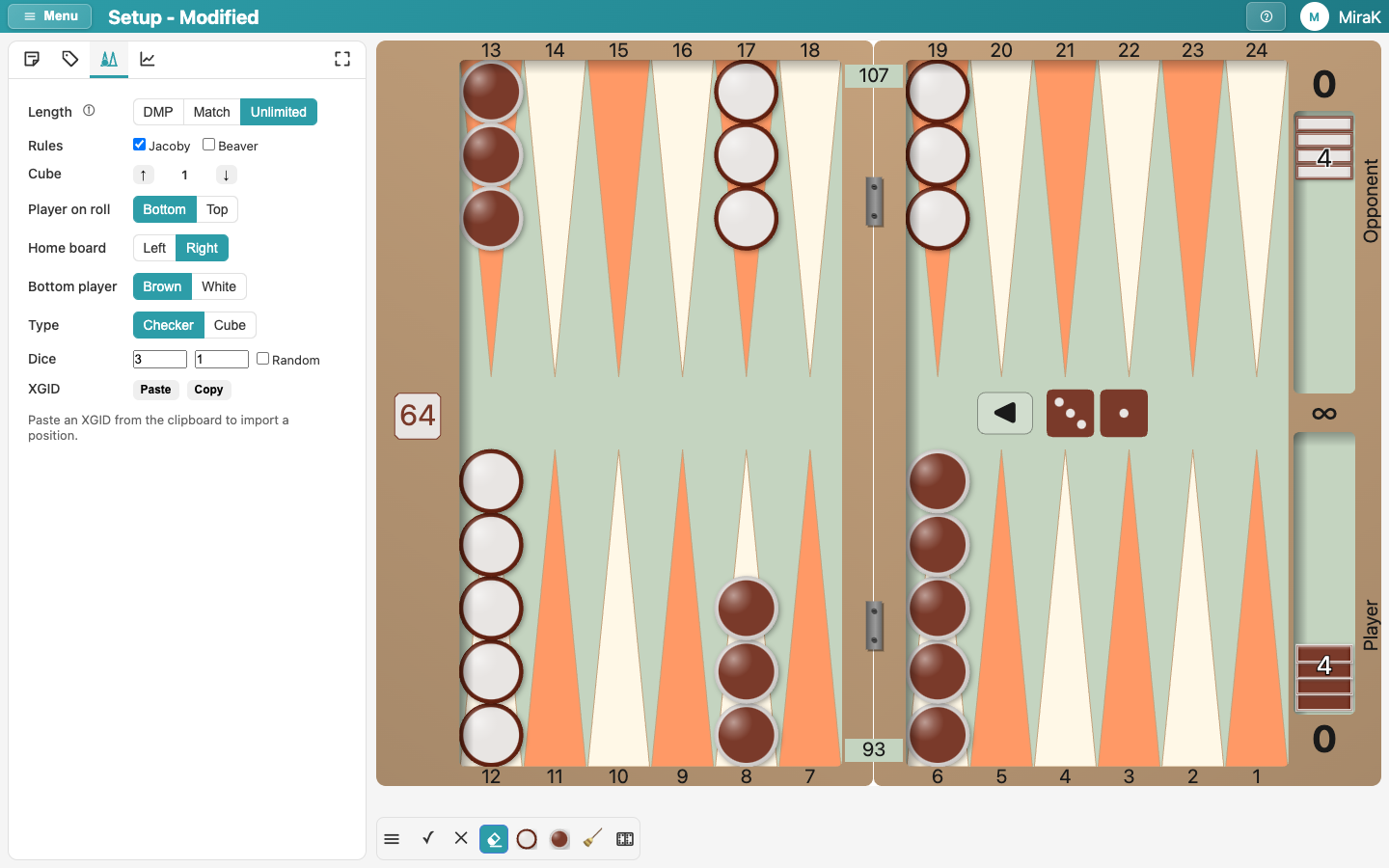
- The eraser takes checkers off. Click a checker, and it goes off the board with every checker above it.
- Whichever tool you have picked, a right click or a long click on a checker does the same. On a phone or tablet, touch and hold the checker.
- Initial position puts every checker back where it stands at the start of a game.
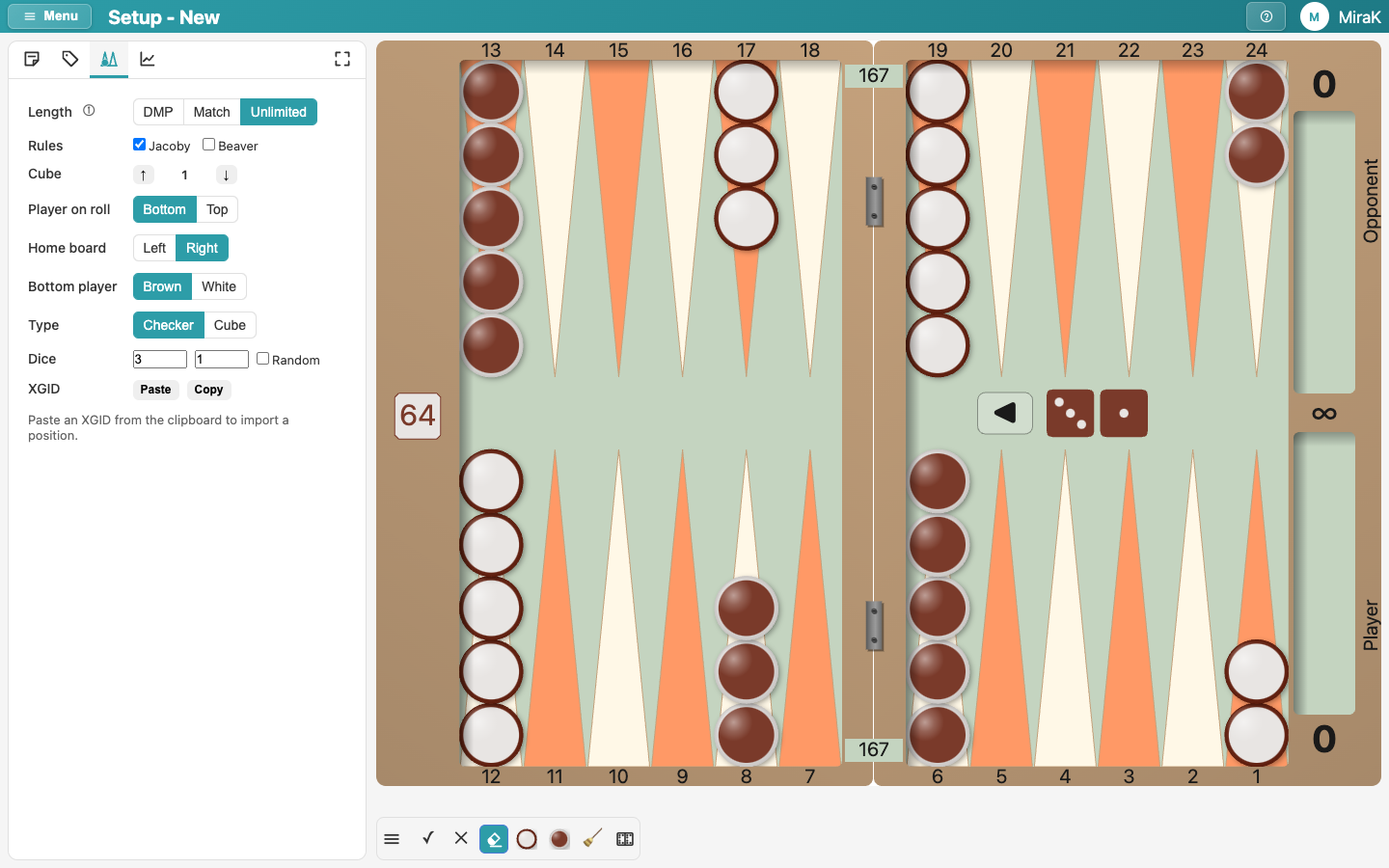
- Position holds the rest, the score, the cube, who is on roll and the dice.
- Cancel setup throws the position away and starts again. To keep a position, save it instead: see Set up and save a position.