Play in Play mode
A recorded tour of this page:
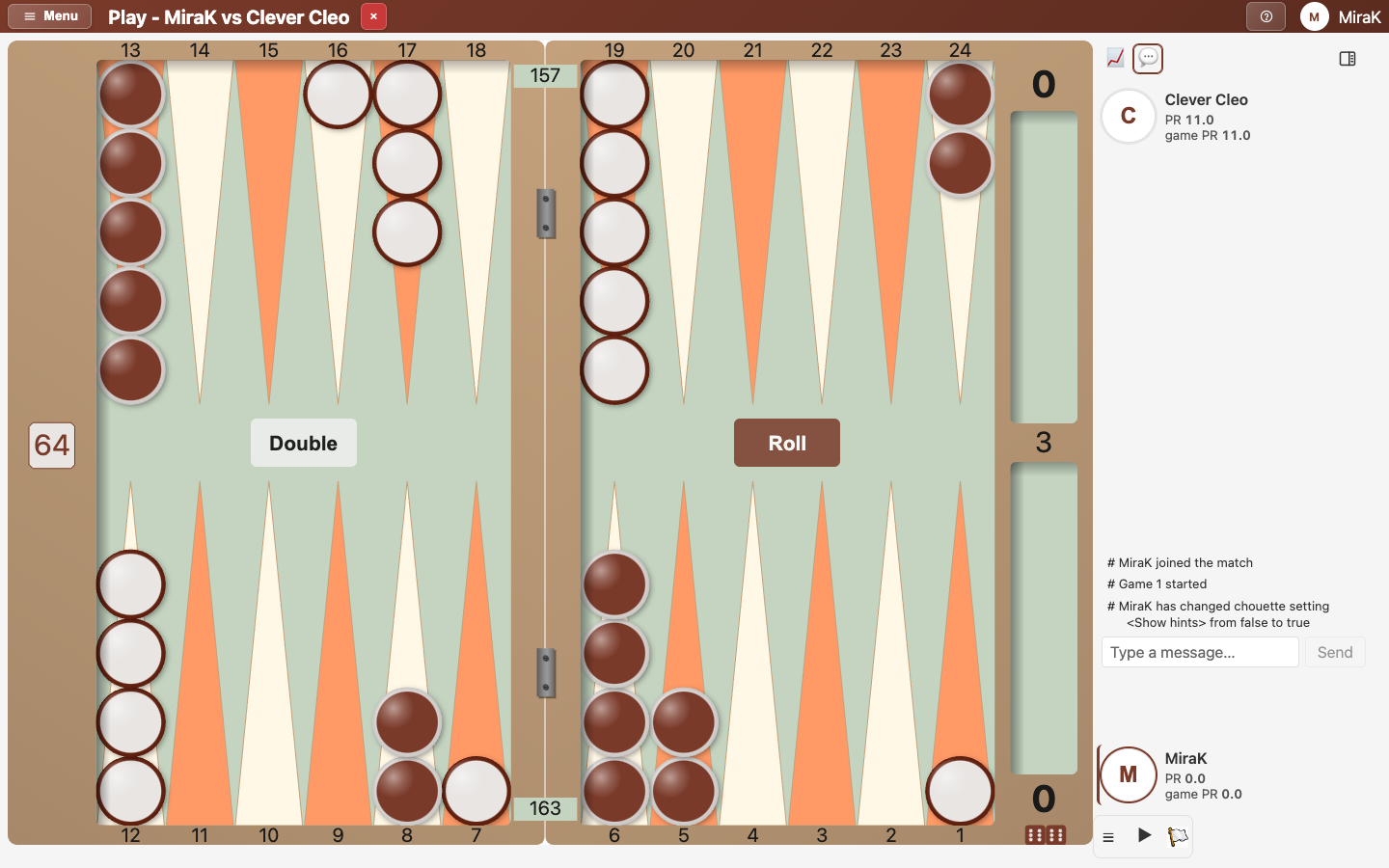
Every game starts in Play mode: the board, and beside it (below it on a phone in portrait) the players, the last turns and a summary. The panels stay closed until you open one, which is panel mode.
- Open Play a bot from the Lobby.
- Start the game. You win the opening roll with 3-1.
- A game starts in Play mode. Beside the board are the two players with their performance ratings, the last turns, and under them a summary.
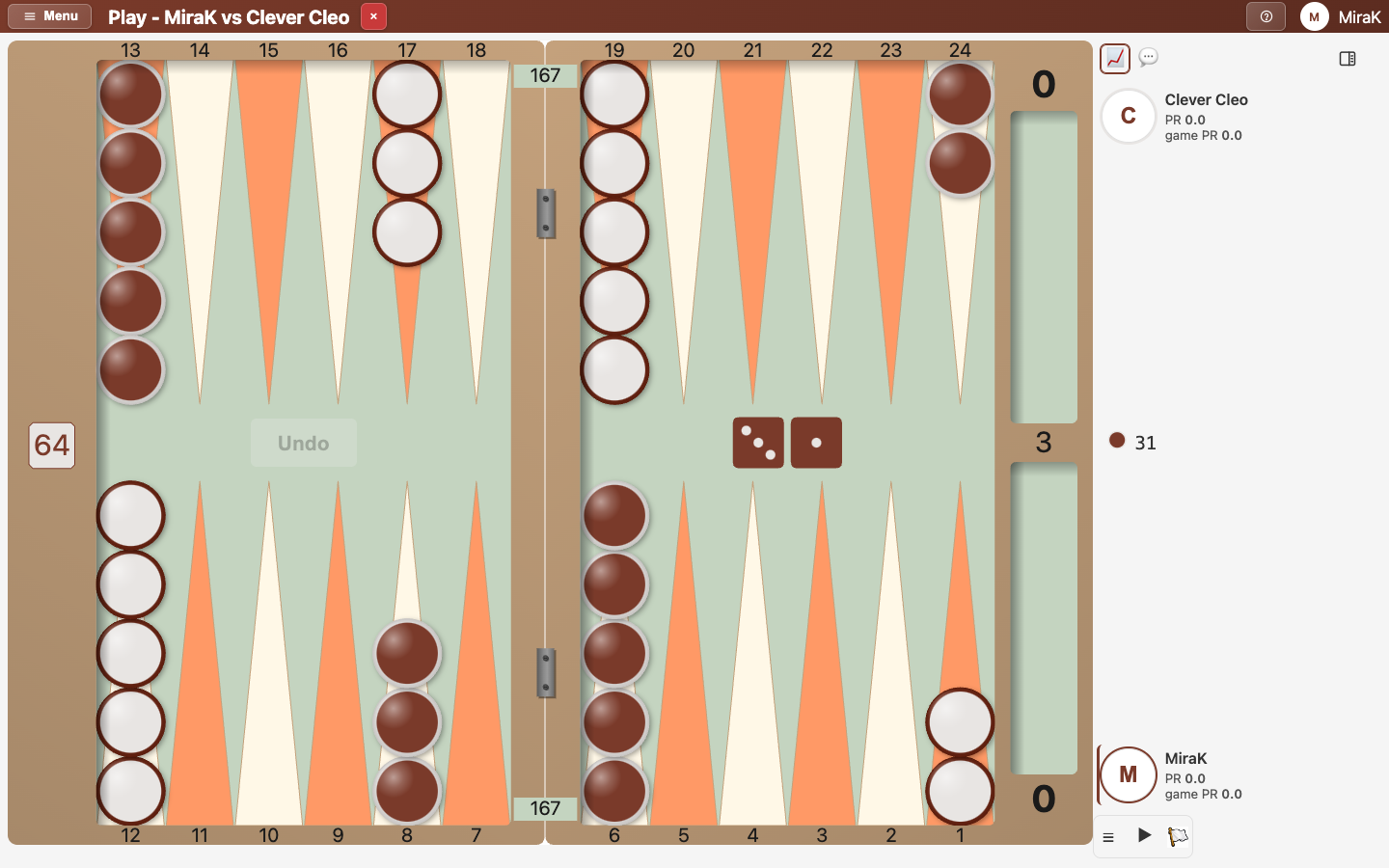
Each player sits where they play at the board: your opponent at the top (or left), you at the bottom (or right). The bar beside a player's card marks whose turn it is. The last turns are the newest lines of the game log; while it is your turn, the line of the turn under way is the last one.
Hints
- The toolbar's ☰ opens its menu.
- Hints in it turns hints on, against a bot.
- Now your turn's line has Show hint. It shows the best move on the board and in the summary.
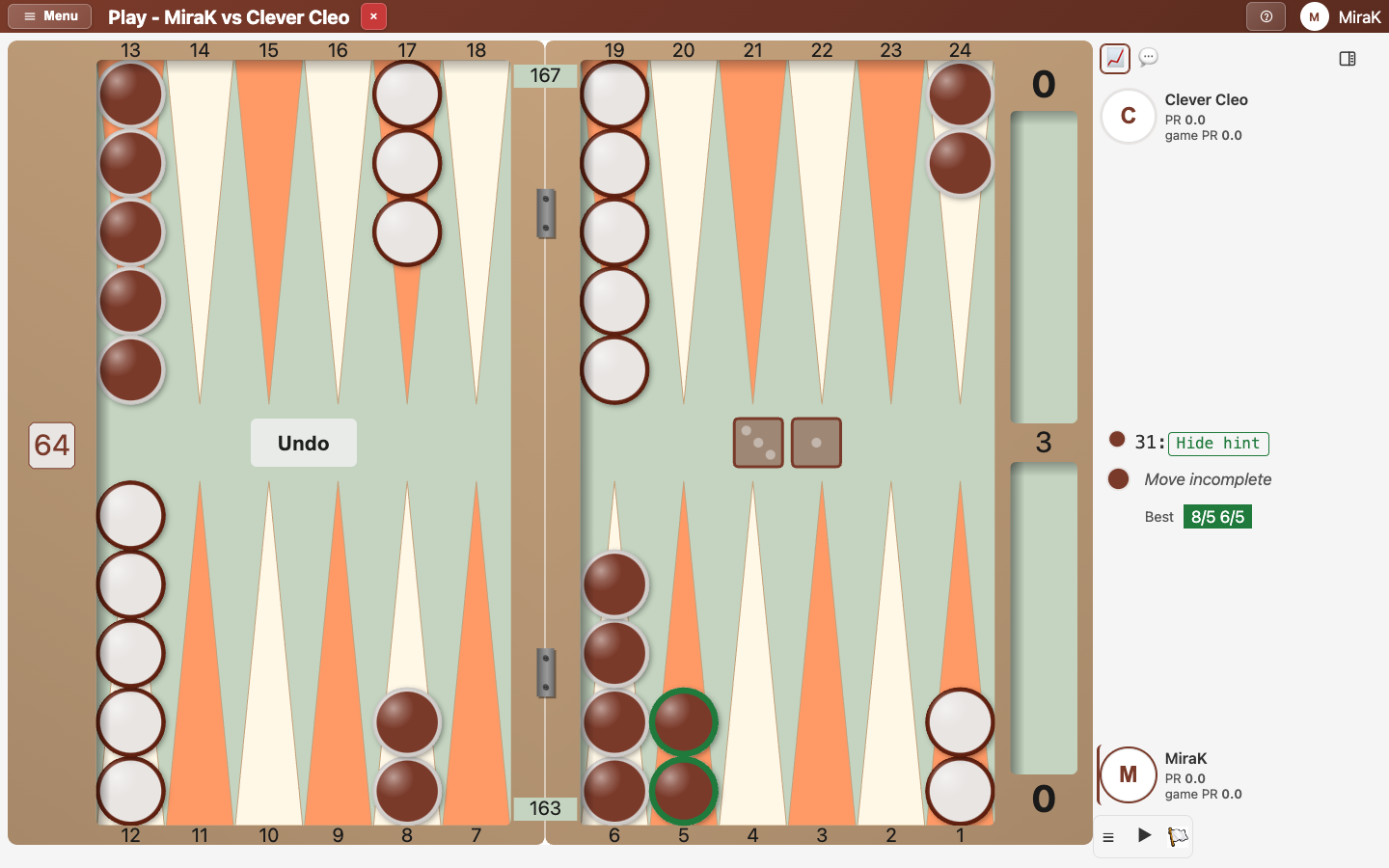
- Hide hint takes it away again.
Before you roll, Show hint gives the right cube action instead, and when your opponent doubles you, whether to take.
The summary of a move
- Make your move. As soon as every die is used, the summary says how good it was: Correct here. After a mistake it also shows the best move.
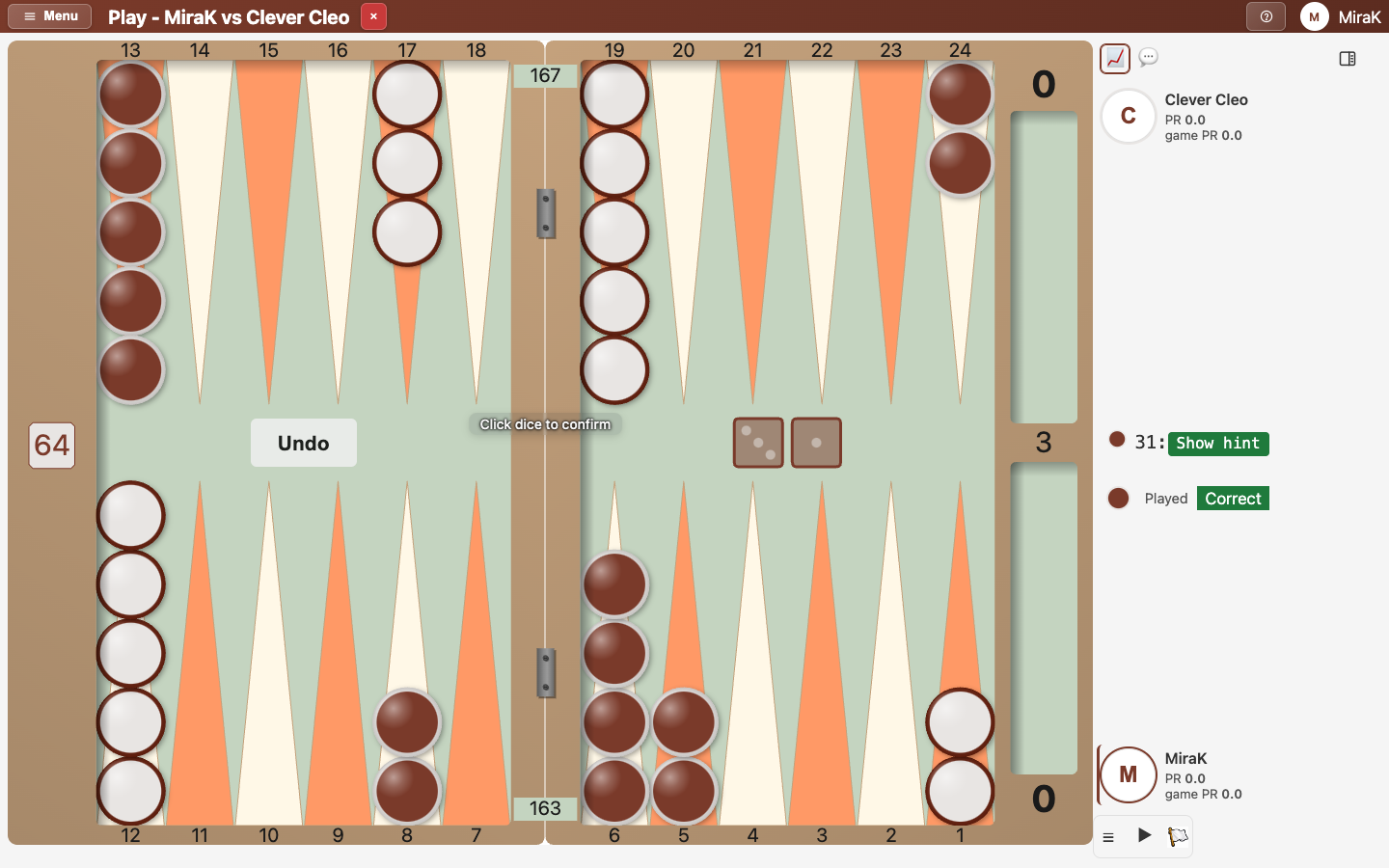
- Tap the dice to finish your move.
The summary has two lines: what you played, with the equity it lost ("0.245 blunder") or Correct, and the best move. The checker and cube icons switch it between the move and the cube decision. Click a line of the last turns to see that turn on the board, with its summary.
The other summaries
- The bot's move is the newest of the last turns.
- The tabs above switch to the summary of another panel, here the chat. You stay in Play mode.
- The chart tab brings back the moves and their analysis.
On a phone in landscape the tabs are in the title bar. A number on a tab counts new chat messages or pending admin actions. Panel mode, the last tab, opens the panel of the summary in full: see Open a panel, and go back to Play mode.
Preferences for Play mode
Two preferences (your name at the top right, Preferences, General) change it. Both are on for a new account:
- Start Games in Play Mode: every game starts in Play mode. Off, the panel you had open stays open when a game starts.
- Play Mode Always Shows Last Turns: the last turns show in every game. Off, they show only in games with analysis or hints, where they say how good each move was; elsewhere "Show last turns" brings them back.